Cinematic Gimbal Moves for Wedding Videos: 7 Pro Techniques
Learn the 7 essential cinematic gimbal moves for wedding videos. From tracking shots to the orbit, film every shot that looks smooth and cinematic.

Learn the 7 essential cinematic gimbal moves for wedding videos. From tracking shots to the orbit, film every shot that looks smooth and cinematic.

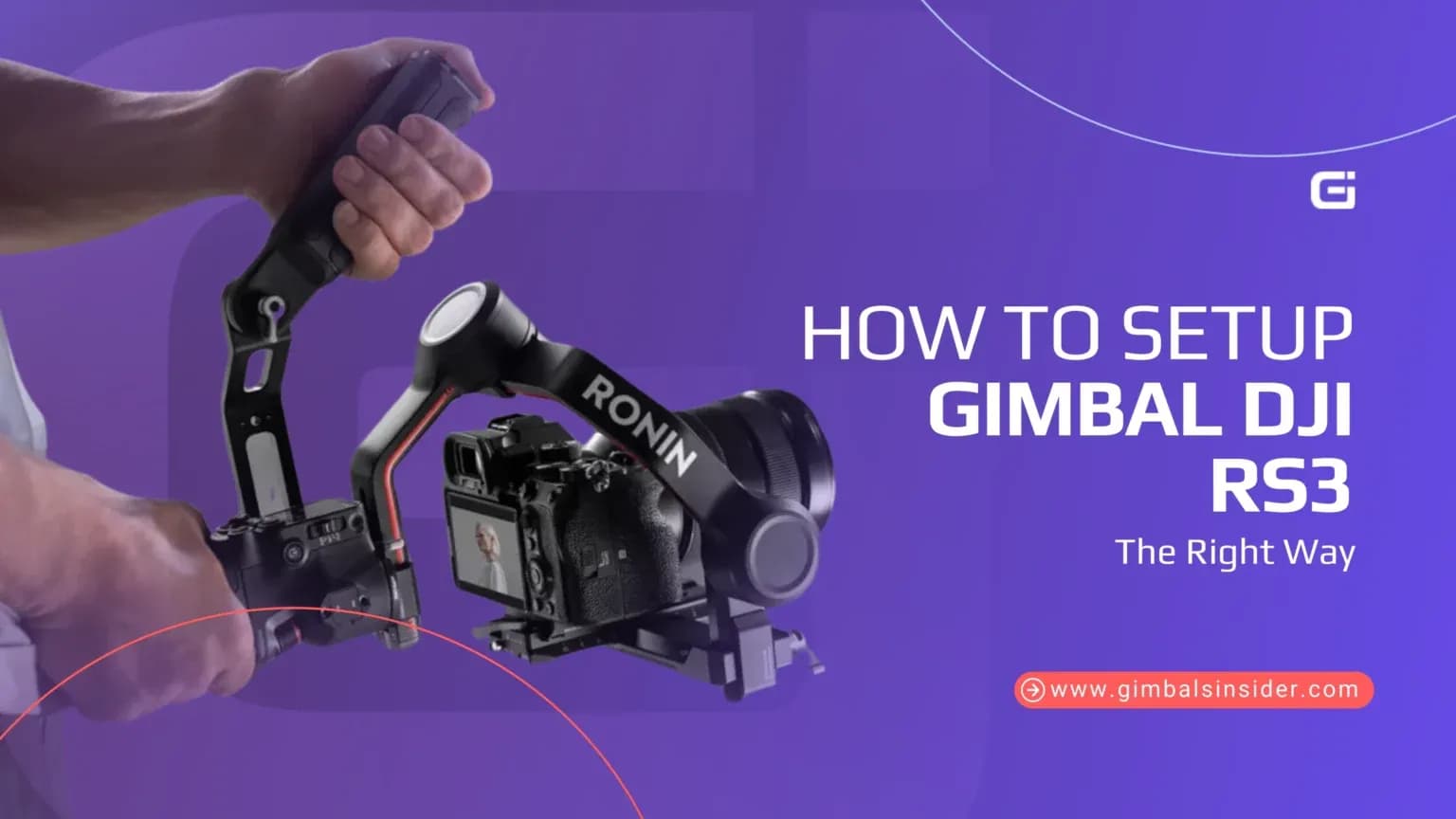
Set up your DJI RS3, charge the battery, install the tripod, mount your camera, and balance all axes. Next, power it on, connect to the Ronin app, activate your gimbal, and use Auto-Tune to match motor strength to your camera setup.

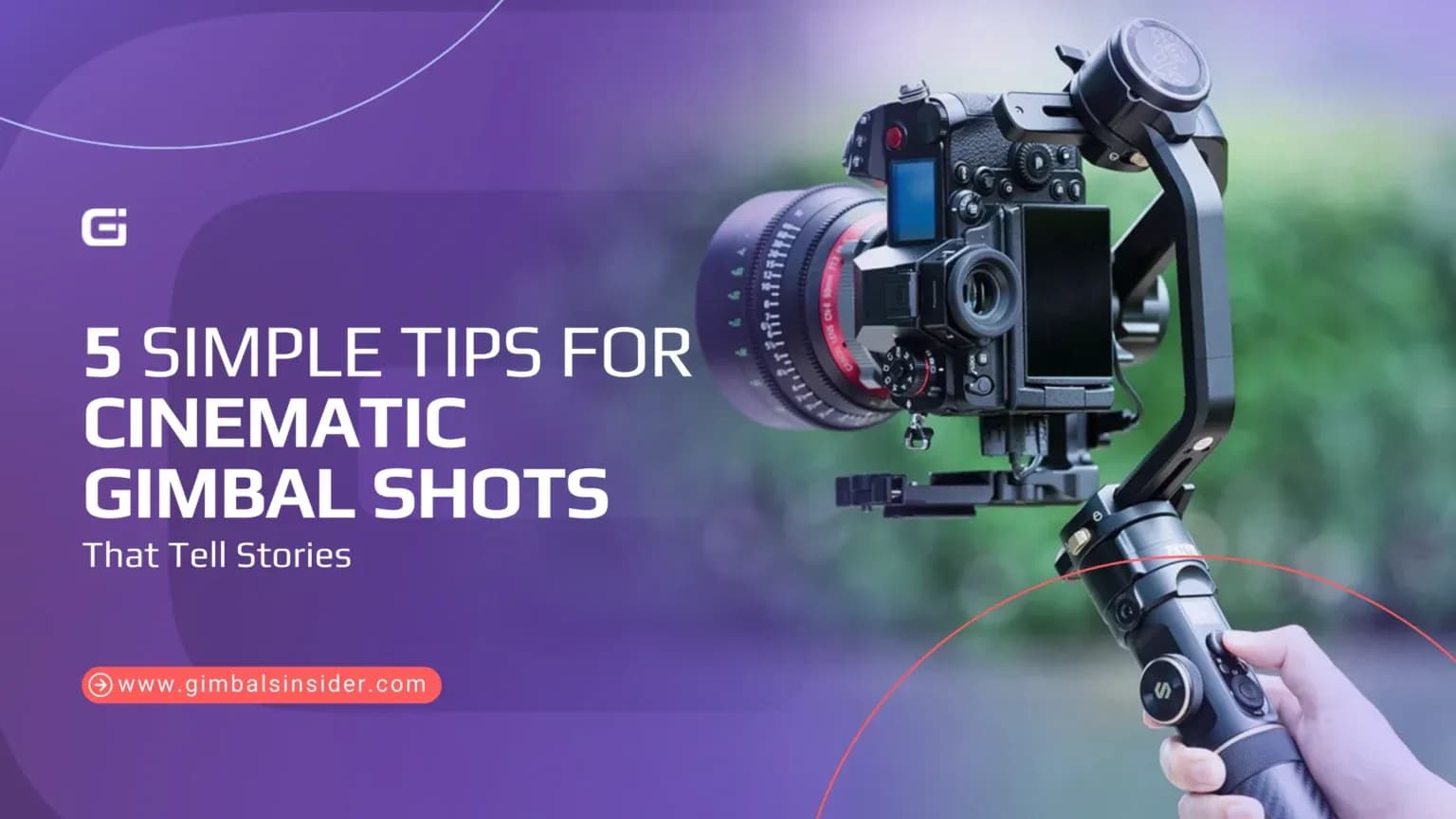
Master your movement, use both hands for stability, lock focus, and lower exposure. Also, avoid over-stabilization and focus on storytelling, not just smooth shots. Plus, know what your gimbal can’t fix, like bounce, and balance carefully to avoid shaky results.

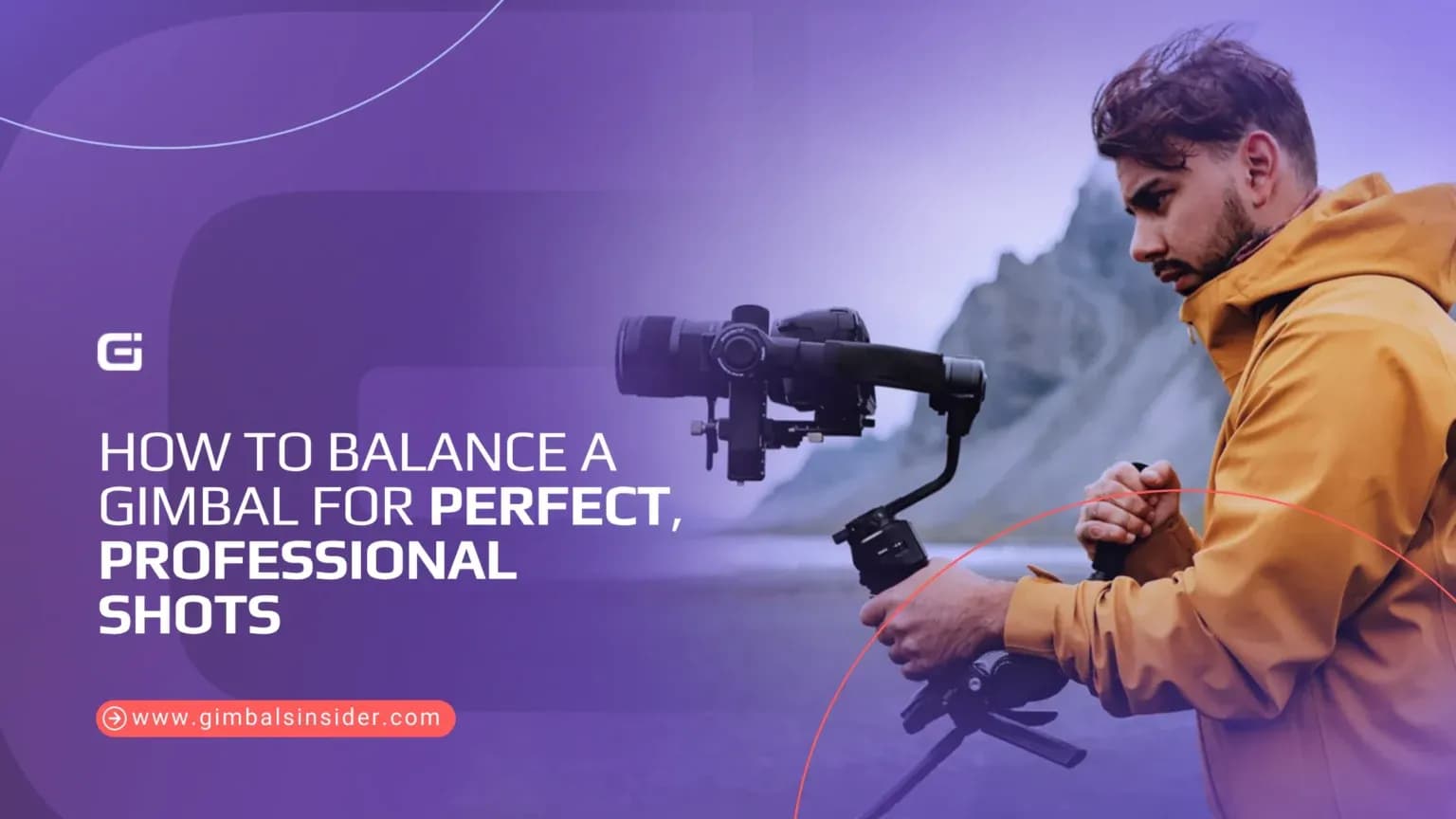
Balance a gimbal, assemble it, mount your camera securely, and adjust the tilt, roll, and pan axes. Most importantly, test the balance until the camera holds steady.

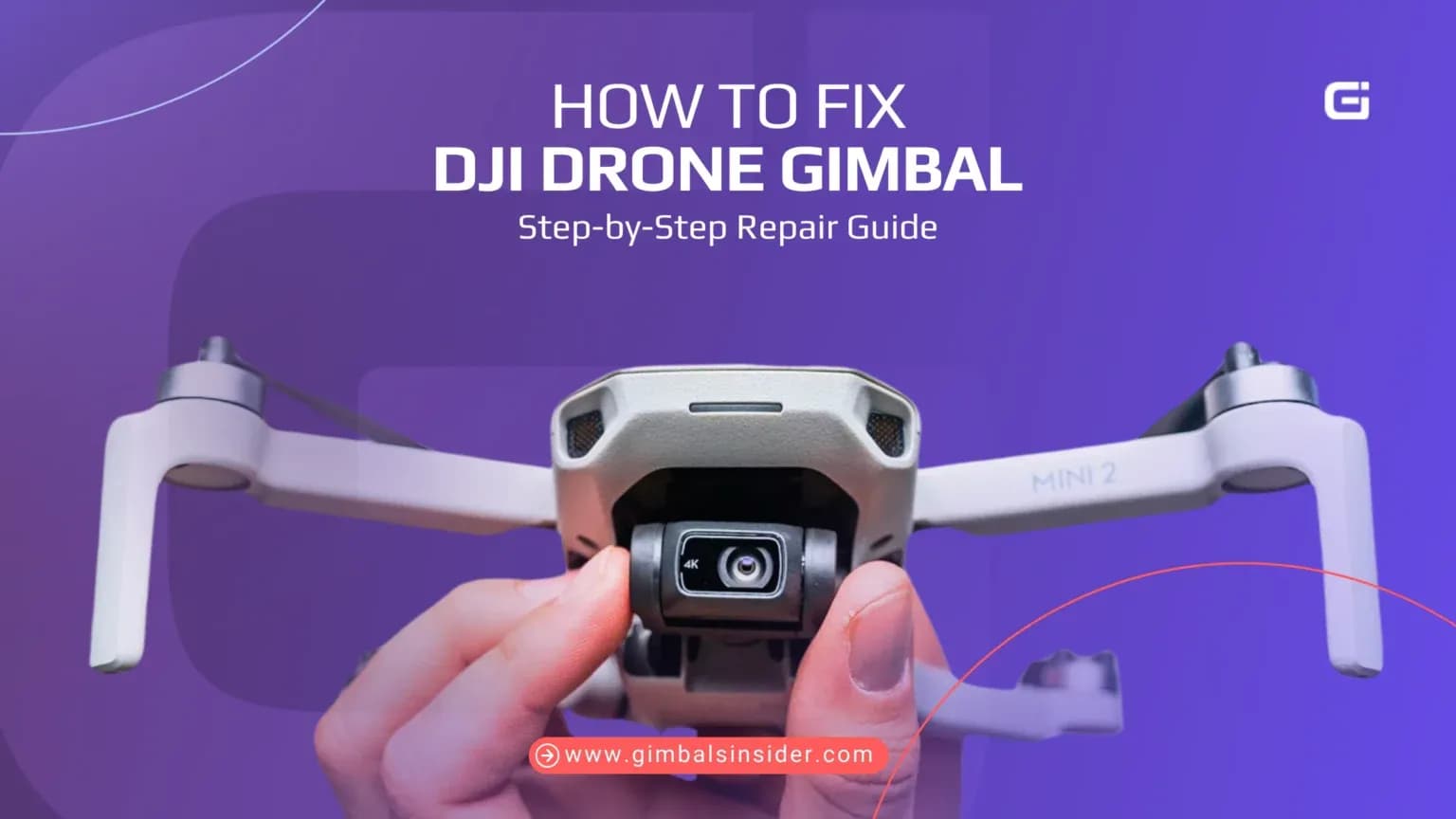
You can fix a DJI drone gimbal by removing the battery, opening the shell, disconnecting cables, replacing damaged parts like motors or dampers, and then reassembling. Finally, test the gimbal and recalibrate using DJI Assistant 2.

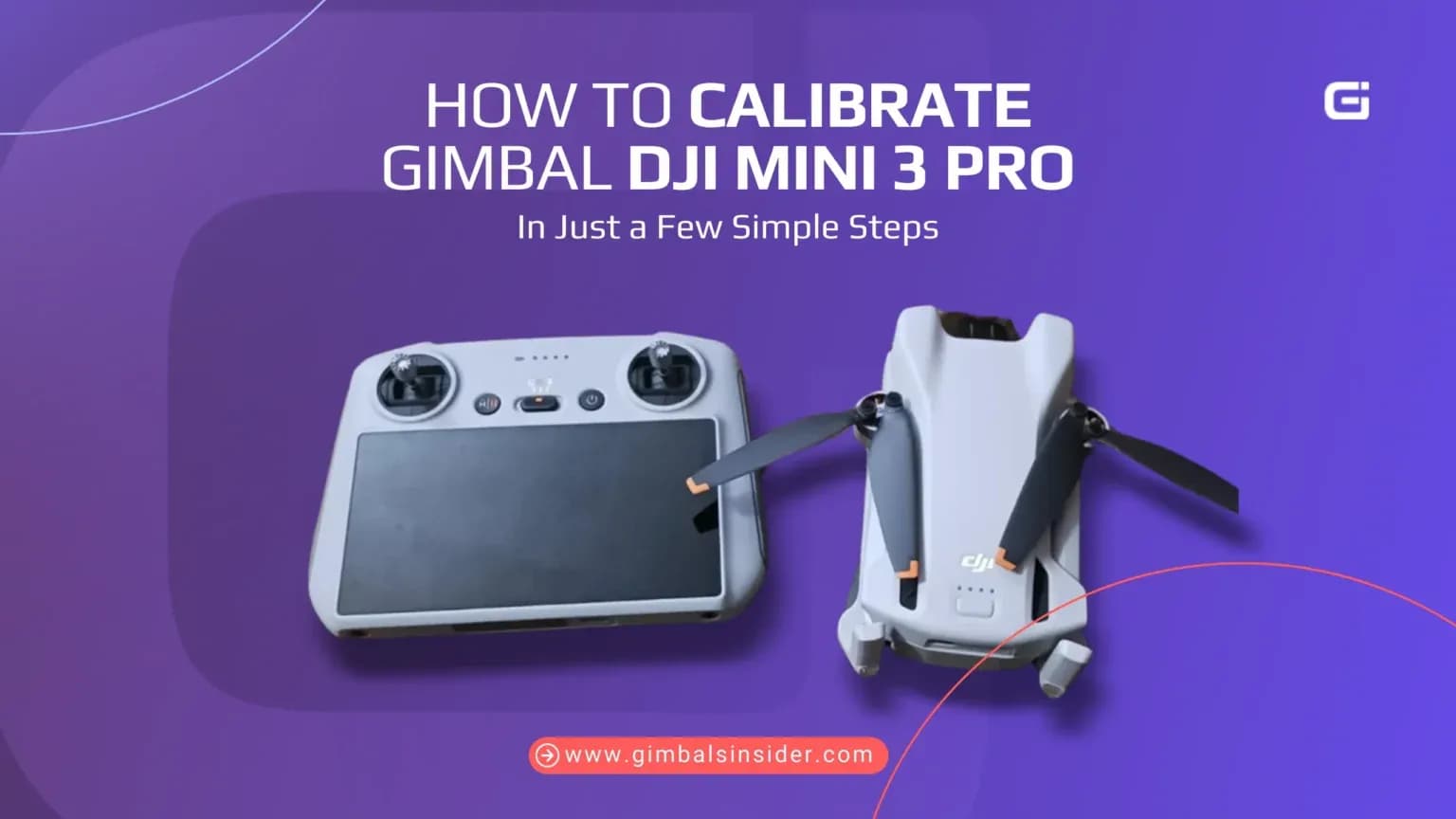
You can calibrate the gimbal of your DJI Mini 3 Pro by placing the drone on a flat surface, removing the cover, and using the DJI Fly app. Tap the gimbal calibration option in settings, let the gimbal adjust automatically, and restore stable, level camera footage.