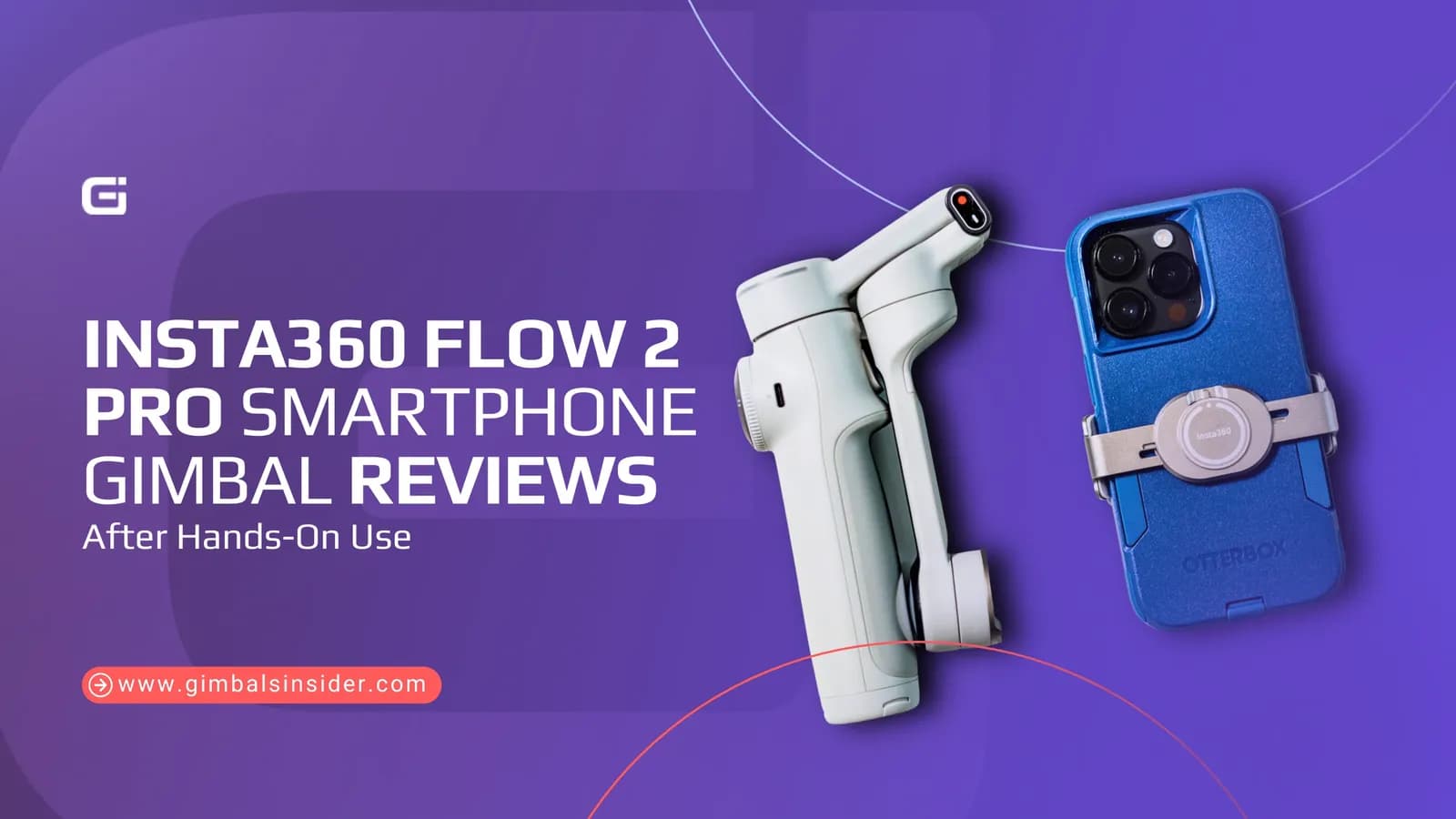

If you are searching for Insta360 Flow 2 Pro smartphone gimbal reviews, you’re probably trying to decide if this gimbal is actually useful. Phones are already good at stabilization! So, it’s fair to question if carrying extra gear makes sense.
And here, you’ll get clear and real answers. You’ll learn how the Flow 2 Pro works with modern phones, how reliable the tracking is, and how it feels to use every day. Most importantly, whether it’ll be a smart buy or a worthless investment.
Top Insights
- The Insta360 Flow 2 Pro folds fast, fits in a small bag or jacket pocket, and works one-handed, even with large phones like the iPhone Pro Max. It's built-in tripod and Free-Tilt mode add flexibility without extra gear.
- Tracking Flow 2 Pro is reliable, battery life is 10 hours, and the Insta360 app offers features phones can’t do alone.
- The Insta360 gimbal Flow 2 Pro noticeably improves footage through the Deep Track 4.0 and the Pro Framing Grid features.
In-Depth Review of Insta360 Gimbal Flow 2 Pro
I shoot with smartphones in real situations, like travel, family moments. client work. long walks, or fast movement. If a gimbal is annoying, heavy, or unreliable, I can feel it right away.
Now, when I tested the Insta360 Flow 2 Pro, I mounted real phones and used it the way you would. In fact, I used it for days, not minutes. If something breaks or frustrates us, it gets called out.
My simple goal is help you avoid the wrong buy. And that’s why I’ll break down every detail on the Insta360 Flow 2 Pro next.
Build, Foldability, and Size
The materials and hinge tension of Insta360 Flow 2 Pro give it a well-engineered feel, especially once a phone is mounted. Plus, its handle is thicker and more ergonomic than the original Flow.
Folding it up is simple. You just open it, and it turns on. Plus, it fits into a jacket pocket or small bag without effort. Reddit user BulkyBoy808 put it plainly: “I will be using mine mostly on trips and travel… It’s easy to carry and doesn’t feel like a commitment.”
Aside from that, the built-in tripod is wider and more stable than before. It’s good enough for quick shots, baby videos, or solo tracking. Also, the selfie stick and Free-Tilt hinge add flexibility without making the gimbal bulky. This is a gimbal you’ll actually take with you.
Buttons, Joystick, and Controls
The Insta360 Flow 2 Pro makes a clear effort to make it easy to shoot. You’ll get all core controls sitting within your thumb's reach. Plus, it comes with a redesigned control ring that surrounds a recessed joystick to reduce accidental input.
Now, you can use physical buttons to switch modes, record, flip the camera, and track rather than relying on a touchscreen. It genuinely helps when you film outdoors or on the move.
While the joystick offers precise pan and tilt control, its textured control wheel allows smooth zooming or roll adjustment depending on the selected mode.
However, there is a learning curve. You’ll need some time to memorize button combinations, and gesture-based actions take time to memorize. But once learned, the setup becomes fast and reliable.
Weight and One-Handed Use
At around 370 grams, the Insta360 Flow 2 Pro feels light but steady in your hand. You can carry it all day without thinking about it. Once your phone is mounted, it feels balanced, not wobbly.
Even with bigger phones like the iPhone Pro Max, it doesn’t feel top-heavy. Thus, your wrist stays comfortable longer.
Most importantly, you can use it one-handed effortlessly. The handle is thicker than before and has an anti-slip finish. Hence, it doesn’t feel sketchy when you’re moving.
For travel or quick family video moments, it won’t give you the feeling like you’re managing an extra gear.
Compatibility and Payload
If you are worried about whether your phone will actually work on this gimbal, the Flow 2 Pro is very forgiving. It supports phones weighing 130 g to 300 g. So, basically, it covers everything from smaller iPhones to large phones like the iPhone Pro Max and big Android flagships.
When it comes to phone width, it supports 64 - 84 mm, with a thickness between 6.9 - 10 mm. And due to this support, you’ll notice that it won’t wobble when you pan quickly or use tracking like other compact gimbals.
Mounting is where you need to be honest about how you shoot. The MagSafe magnetic mount is quick and clean. It’s great if you want speed and a light setup. But once your phone is on, its position is fixed. If you plan to add filters, external lenses, or accessories, this can become limiting.
Plus, the clamp mount gives you more control. You can slide the phone up or down to rebalance when you add weight. It also helps avoid the gimbal arm creeping into ultra-wide shots.
Insta360 App Usability
You’ll spend a lot of time in the Insta360 app, so it matters. Well, it’s not perfect, but most tools feel built for real shooting, not demos. The layout looks busy at first, but once you’ve used it a few times, things click.
Here’s what stands out when you’re actually using it —
- Pro Framing Grid: This feature subtly changes how tracking works. Instead of locking you dead-center, the grid lets the AI keep you off-center for more cinematic composition.
- Active Zoom Tracking: It can track subjects while digitally zooming in or out up to 15x. And it works best when movements are controlled. For casual action shots, kids, pets, or travel moments, it adds a layer of finish that phones alone can’t replicate.
- Teleprompter: A built-in script reader lets you scroll text while recording. It’s clean and functional, though experienced viewers may notice eye movement.
- Editing and AI tools: The app includes simple editing, auto cuts, stabilization tuning, and templates. It won’t replace proper editing software, but it’s quite enough for social posts or fast exports.
However, the app adds a watermark by default. You might miss this at first. Thus, go into the camera settings and turn it off before filming. Just do it once, and you’re done.
AI Tracking and Deep Track 4.0
Deep Track 4.0 is the Flow 2 Pro’s biggest edge. You just set Insta360 Flow 2 Pro AI tracker, move freely, and let the gimbal behave like a steady camera operator. And if you use the Insta360 app, you’ll get the most control and the optimized results.
DockKit tracking across 200+ iOS apps is useful. But it’s more limited to mainly people, and it can struggle more with speed.
Here’s how you can expect the tracking to behave —
- Face, Body, and Object Tracking: It can track faces and full bodies properly. In the Insta360 app, you can also mark and follow objects (not just faces). It helps for pets, products, or niche subjects.
- Occlusion Recovery (Trees, People Crossing Frame): If your subject goes behind a tree or a brief obstruction, it often reacquires them when they re-enter. It gives the best results when you’re zoomed out and keep some “breathing room” in frame.
- Group Tracking Behavior: Its group tracking can keep multiple people centered. However, it may take a moment to activate correctly and can be less predictable if subjects split or overlap.
- When Tracking Fails: If you overload it with tight spaces, lots of poles/beams, fast movement, or rapid framing changes, it can cause drift or missed locks. In fact, DockKit tracking may drop quicker than the Insta360 app.
Gimbal Modes
The Insta360 Flow 2 Pro uses multiple stabilization modes. And they’re the core reason for which you’ll find this gimbal versatile rather than gimmicky.
- Auto Mode intelligently adjusts pan and tilt sensitivity in real time.
- Follow Mode allows the gimbal to follow both pan and tilt movements while keeping the horizon level.
- Pan Follow Mode locks tilt and roll while allowing horizontal movement.
- FPV Mode unlocks all three axes, pan, tilt, and roll for more dynamic, immersive shots.
- Lock Mode freezes all axes to let you frame precisely, take static shots.
- Active Plus Mode increases responsiveness for fast-moving subjects.
Battery Life
Battery life is one of the Insta360 Flow 2 Pro’s quiet strengths. It’s rated for up to 10 hours!
Well, it’s more than enough for a full day of shooting, and in many cases, two or three lighter days without recharging. The best part is that in real use, the claim of Insta360 Flow 2 Pro holds up well, even with active tracking and frequent movement.
Plus, its built-in USB-C port allows reverse charging. Now, that turns the gimbal into a small power bank when your phone runs low.
For example, it can top up an iPhone 14 Pro by roughly 12% in about 20 minutes. Importantly, the gimbal can be used while charging, so there’s no forced downtime.
Charging Speed
Though it lasts long, it won’t charge fast. That’s a fact!
With its 1,100mAh battery, Insta360 prioritizes endurance over rapid refill. A full charge takes around two hours via USB-C.
Meanwhile, its reverse charging is genuinely usable, not just a marketing checkbox. In practical use, it can recharge an iPhone by roughly 12% every 20 minutes.
For travelers, parents, and solo shooters, this predictable charging behavior removes anxiety.
Is the Insta360 App Easy to Use?
Yes, the Insta360 App is easy to use, even if you’re not a videographer. You can set it up quickly, with clear on-screen tutorials that walk you through shooting modes, tracking, and controls.
Though the interface looks busy at first, it’s logically laid out and becomes intuitive after a short session. It also includes Deep Track 4.0, Pro Framing Grid, Active Zoom Tracking, and gesture control.
Beyond that, its Apple DockKit integration lets iPhone users track subjects in over 200 apps, including the native Camera app. Though advanced options exist, you’re never forced to use them.
Is the Insta360 Flow 2 Pro Smartphone Gimbal Worth It?
Yes, the Insta360 Flow 2 Pro is worth it if your goal is professional-looking smartphone video without carrying a full-size gimbal. It removes the limitation of a limited tilting range with Free-Tilt Mode. Thus, you can finally do ground-up and crane-style shots that were basically physically impossible before.
It opens and folds quickly, and the redesigned buttons and joystick are placed purposefully. Plus, the built-in feet are genuinely useful in a pinch. Besides, its tracking is solid, reliable, and smooth, especially in the Insta360 app with Deep Track 4.0.
However, if you start to frame without an Apple Watch or a second phone, you’ll feel blind.
Final Words
If you read enough Insta360 Flow 2 Pro smartphone gimbal reviews, a clear pattern shows up. This is a gimbal you actually bring with you.
It’s light, folds fast, and handles big phones properly. Plus, the Free-Tilt Mode fixes old angle limits, and Deep Track 4.0 works best inside the Insta360 app. Also, its battery life lasts longer to cover a whole day of shooting.
Yes, it’s not flawless. Framing can feel blind without a watch or a second phone. But for travel, family moments, and steady everyday video, it’s an absolute green flag.
Read Our Latest Article:
5 Simple Tips for Cinematic Gimbal Shots That Tell Stories
FAQs
Does the Insta360 Flow 2 Pro work with iPhone 15 or 16 Pro Max?
Yes, the Insta360 Flow 2 Pro fully supports iPhone 15 Pro Max and iPhone 16 Pro Max. In fact, it can handle 64 - 84 mm width and 6.9 - 10 mm thickness, along with phones that weigh 130 g to 300 g.
Is the Insta360 Flow 2 Pro worth buying for a casual user?
The Insta360 Flow 2 Pro is worth buying for casual users who travel, film family moments, or want hands-free tracking. However, it’s unnecessary if you rarely record while moving. Modern phone stabilization already covers most everyday needs.
Does the Insta360 Flow 2 Pro consistently work without glitches?
Yes, the Insta360 Flow 2 Pro consistently works without glitches most of the time. In fact, it’s far more reliable than the first version, with stable buttons and consistent tracking, though occasional tracking errors still happen. Overall, it works smoothly enough for regular use.
Does the Insta360 Flow 2 Pro boot up correctly every time?
Yes, the Insta360 Flow 2 Pro boots up correctly every time, unlike earlier models. It starts up level and is ready to film. Thanks to its fewer off-axis startups and better calibration, it’s dependable for quick recording without repeated resets.
Can the Insta360 Flow 2 Pro track non-human subjects or objects?
Yes, the Insta360 Flow 2 Pro can track non-human subjects like pets, vehicles, or planes using the Insta360 app. Face tracking works across many apps, while object tracking is strongest inside the native app.