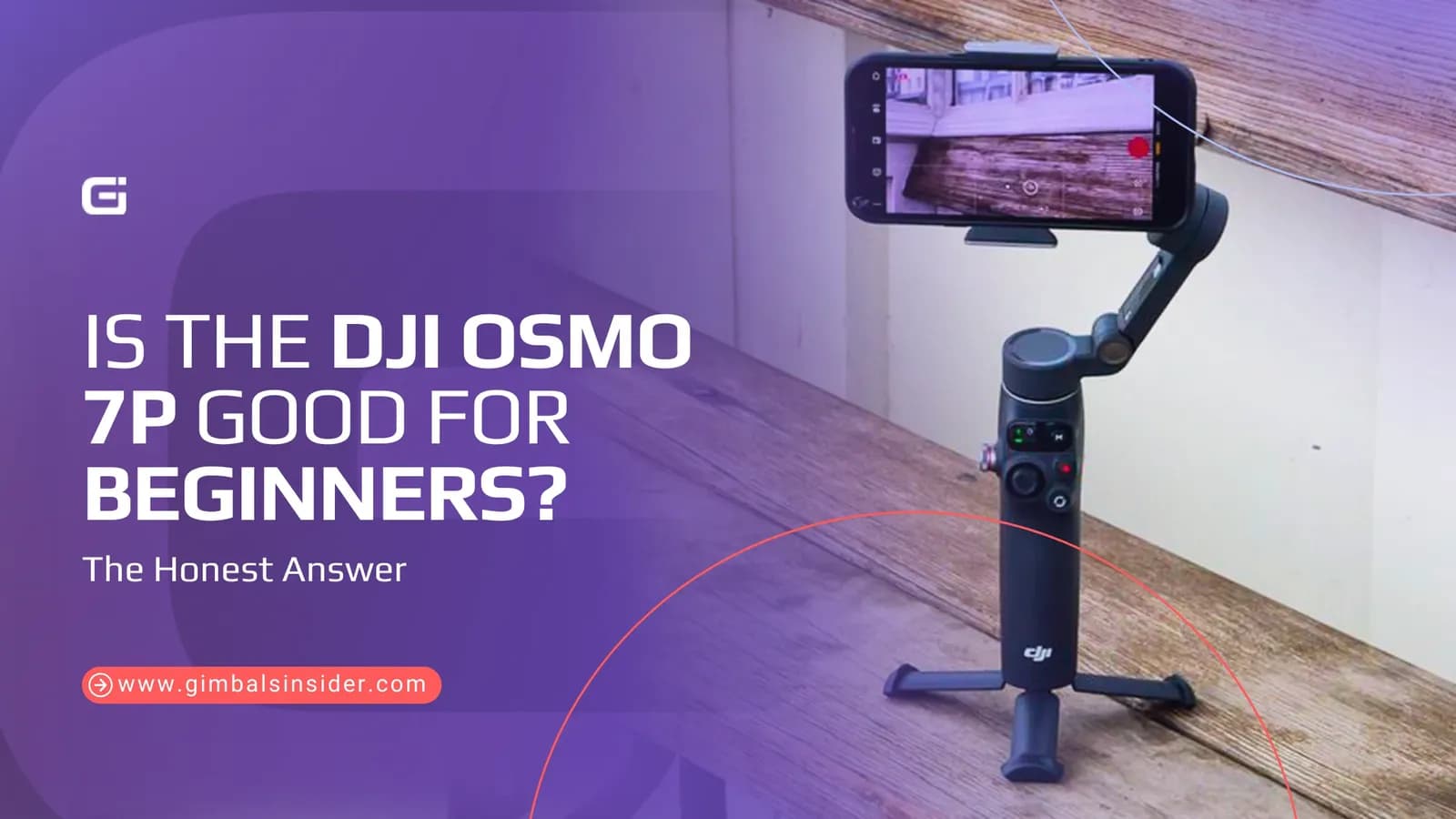

The DJI Osmo Mobile 7P has been popping up a lot among creators lately. And with 1 in 4 individuals being a content creator, beginners make up a big part of the crowd. If you’re new and trying to pick the right gear, it’s fair to ask, is the DJI Osmo 7P good for beginners?
Yes, the DJI Osmo Mobile 7P is beginner-friendly since it’s lightweight, easy to balance, and works with both the DJI app and your phone’s camera. Plus, you can film hands-free, use gesture controls, and shoot steady videos without learning complex settings.
Read on as you’ll learn how easy it is to set up, who it’s best for, and whether it truly is one of the best options for first-time users.
Key Insights
- Yes, the DJI Osmo 7P is good for beginners as it’s easy to set up, turns on when unfolded, tracks the subject well, and more.
- Features like ActiveTrack 7.0, gesture controls, a built-in tripod, and an extension rod help you film alone.
- There are a few small hurdles, like proper phone balancing takes practice, battery drains faster with tracking accessories, and the tripod needs a flat surface to stay stable.
Is the DJI Osmo 7P Good For Beginners?
Yes, the DJI Osmo Mobile 7P is a good choice for beginners due to its effortless operation system. While it activates as soon as you unfold it, the ActiveTrack 7.0 follows a subject automatically. Its companion app, DJI Mimo, guides you through advanced shooting techniques with clear tutorials called ShotGuides.
On top of that, its gray metal and plastic body with built-in tripod, and embedded extension rod ensure you're always shooting from the right angle without hassle. While balancing the phone can be tricky at first, it doesn’t fail to offer pro-level stabilization to give cinematic footage.
Who Is Best Suited for the DJI Osmo 7P?
The DJI Osmo 7P is best suited for the following —
First-time Vloggers
The Osmo Mobile 7P is a good place to start for first-time bloggers. You just unbox it and start filming in minutes. As mentioned earlier, it’s light, weighing around 12.98 oz (with magnetic phone clamp), folds up easily, and doesn’t take effort to figure out.
Since you’re a vlogger, you’ll be mostly filming alone. In that case, its ActiveTrack 7.0 helps a lot. It keeps you in frame while you move, so you don’t have to think about it. Plus, the built-in extension rod and the small tripod help you find a solid angle, whether you’re sitting at a desk or walking around outside.
One Reddit user, Swimming_Check_974, said it is “fun to have and easy to use when it’s occasionally like family.”
Solo Creators
If you film alone, this gimbal makes things easier. I’ve already talked about what and how the ActiveTrack 7.0 works.
And if you’re not near my phone, you just use a hand “V” gesture to start recording. Meanwhile, features like Keep Composition remember how you framed the shot.
And the tracking still works even if you use your phone’s regular camera app. Well, that takes pressure off.
Social Media Creators
If you make TikTok or Instagram videos on your own, I think the Osmo 7P fits that style well. You can film by yourself without extra help.
Just raise your palm, and it starts tracking you. It stays locked on while you move. Plus, you can switch between portrait and landscape with one tap. That makes it easy to post on different platforms without rethinking the shot.
What stands out is the multifunction module. It keeps tracking even when you use your phone’s camera or social apps. You don’t have to change how you already work.
Just keep in mind that adding accessories can drain the battery faster.
Read Also: DJI Osmo Mobile 6 vs DJI Osmo Mobile 7P
What Makes the DJI Osmo 7P Good for Beginners?
DJI Osmo Mobile 7p review reveals that it brings an array of features for beginners, but the following are the most notable ones.
1. Fast Setup
For beginners, the DJI Osmo Mobile 7p setup is easy to start using. It goes like this —
- You unfold it, and it turns on by itself.
- Then, clip your phone on with the magnetic clamp.
- Next, just line it up in the center so it balances right.
- After that, open the DJI Mimo app and follow the on-screen steps. It shows you what to do and how the controls work.
Hence, your first try feels simple, not frustrating.
2. Automatic Balancing and Stabilization
The Osmo Mobile 7P fixes one of the biggest beginner problems, and that is balancing your phone. The magnetic clamp snaps on fast. Then, you place your phone, and the gimbal adjusts it for you.
Once it’s on, your video stays steady.
You can also control how it follows your movement. In this case, Pan Follow mode is a good place to start. It tracks side-to-side motion and keeps the shot stable. Thus, you can start filming right away without learning much first.
3. Simple Physical Controls
The buttons of Osmo 7P are right where your fingers land. You can easily move the camera with the joystick and frame the shot without thinking much about it.
Plus, there’s a trigger on the back that helps you reset fast. Just tap it twice, and the camera snaps back to the start. Besides, the record button is easy to find, so you are not fumbling when it matters.
Meanwhile, you can switch between the front and rear cameras with one tap. Changing stabilization modes is simple, too. Just press the M button.
Ultimately, the layout feels logical.
4. Built-In Tripod and Extension Rod
The Osmo Mobile 7P feels like a full setup right out of the box. It gives you a retractable tripod built into the base.
Just pull the legs out. They bend a little, so keep it on a flat surface and don’t push down on the extended rod. For a wider range, the built-in extension rod slides out, and the hinge tilts up to 90 degrees.
You can also shoot from above, take steady selfies, or go low without adding anything else.
5. Beginner-Friendly Tracking Features
The ActiveTrack 7.0 makes the 7P stand out. You just tap on yourself or your subject in the DJI Mimo app, and ActiveTrack keeps everything in frame. Most importantly, you can move around without worrying about who is behind the camera.
And if you don’t want to use the DJI app, the Multifunction Module gives you that option. You can use your phone’s regular camera or social apps instead. Control stays simple.
- Show a peace “V” sign to start recording.
- Hold up your palm to lock tracking.
- Double-L to reframe your shot.
See, it feels natural and easy to remember. All of this helps you get smooth shots without thinking too much about setup.
How the Osmo 7P Handles Beginner Pain Points
Here’s how the Osmo Mobile 7P helps beginners to handle common issues —
Minimizes the Learning Curve
The Osmo Mobile 7P activates and balances itself the moment you unfold it. That alone reduces half of the battle. Plus, the companion DJI Mimo app works as your guide, with clear tutorials like ShotGuides that teach you advanced techniques as you shoot.
Besides, a joystick for directing the camera, a trigger to re-center instantly, and a simple mode button are all within a finger’s reach. So, this foolproof operation lets you focus on your subject and take dynamic shots from day one.
Works With Native Camera Apps
The biggest beginner challenge is often a gimbal's own complex software. Well, the 7P removes it. Yes, its multifunction module lets you use your phone's native camera app. Hence, you won’t face any confusing new interfaces or disturbing pop-ups to learn.
Prevents Framing and Tracking Errors
Well, beginners often lose subject mid-shot and the Osmo Mobile 7P solves this with its excellent tracking. Its ActiveTrack 7.0 software in the DJI Mimo app allows you to track without any worries.
You simply tap your subject, and the gimbal keeps your subject in frame even as they move. On top of that, if you step away and return, tracking resumes automatically.
Where Beginners Might Struggle with the DJI Osmo 7P?
The Osmo Mobile 7P is powerful, but its advanced features come with a slight learning curve. Here are a few areas where beginners might initially struggle.
- Balancing Your Phone: The motor is strong, but it can struggle if you can’t place your phone correctly in the middle of the magnetic clamp.
- Managing Battery Life: Its 10-hour battery is excellent, but using the Multifunction Module for tracking reduces it to just 4.5 hours. If you turn on its fill light, it’ll drain even faster, to about 3 hours.
- Avoiding Accidental Zooms: The side zoom wheel is very sensitive. You can easily bump it by accident, which can cause an unwanted zoom that reduces your video quality without you noticing.
- Using the Built-in Tripod: Another drawback is its retractable tripod legs. Well, they flex under pressure and aren't extremely stable. You must place it on a perfectly flat surface and avoid pushing down on the extension rod while it's standing.
Final Words
So, is the DJI Osmo 7P good for beginners? I believe yes, if you want to start filming without overthinking every step. You unfold it, clip your phone on, and start shooting. It keeps your shots steady and follows you well, which helps a lot when you film alone.
Plus, the app explains things clearly, so you’re not guessing what to press. Yes, battery life drops if you use extra features, and balancing takes a little practice. But those are small trade-offs.
FAQs
Is the DJI Osmo 7P easy to use for beginners?
Yes, the DJI Osmo Mobile 7P is easy to use for beginners. It powers on automatically when unfolded and self-balances your phone. Plus, the intuitive DJI Mimo app offers guided tutorials (ShotGuides), and simple button controls make it effortless for beginners to capture professional-looking video
Can beginners use the Osmo 7P with Instagram or TikTok?
Yes, beginners can use the 7P with Instagram or Tikok. It includes a Multifunctional Module, so beginners can use gesture-controlled tracking and stabilization. Meanwhile, they can film directly in apps like Instagram or TikTok, without needing DJI's app.
Will beginners outgrow the DJI Osmo 7P quickly?
Unlikely since its intuitive start-up and guides are perfect for newcomers. In the meantime. advanced tracking, manual controls, and accessory support offer plenty of flexibility for creators to explore as their skills improve.